Viewing Notifications
How can I view my notifications?
Desktop
To view your notifications, click on the bell icon located at the top right corner of the home page. A list of notifications will appear, sorted by date.
-
Unread notifications are marked with a red dot beside them.
-
Read notifications are marked with a blue dot.
-
If there is a new notification, a red dot will also appear beside the bell icon on the home page.
Mobile
To view your notifications, click on the bell icon located at the bottom of the home page. A list of notifications will appear, sorted by date.
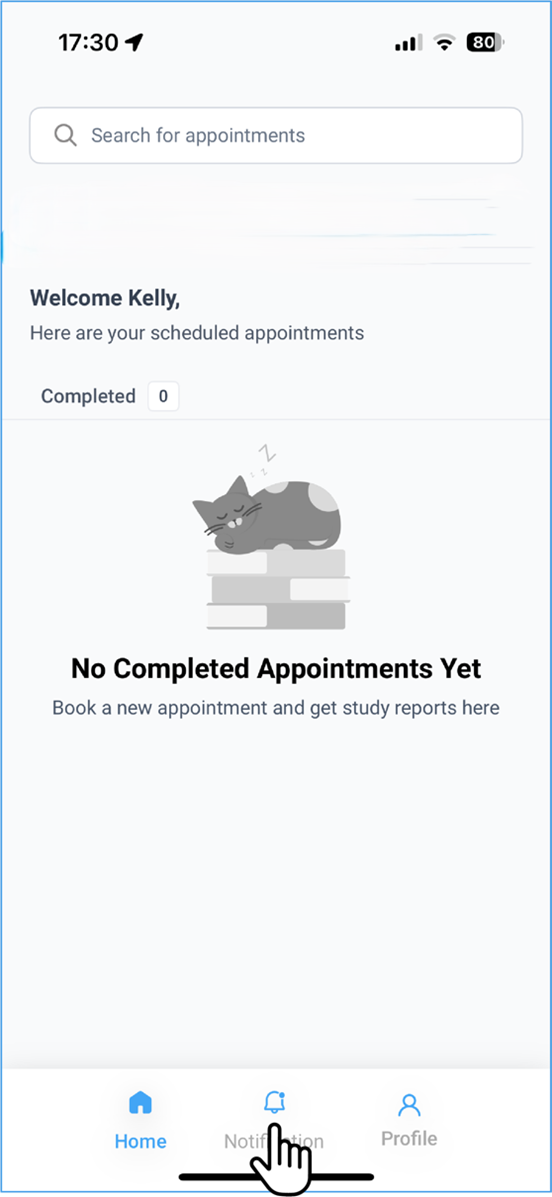
For additional details, refer to the desktop version.